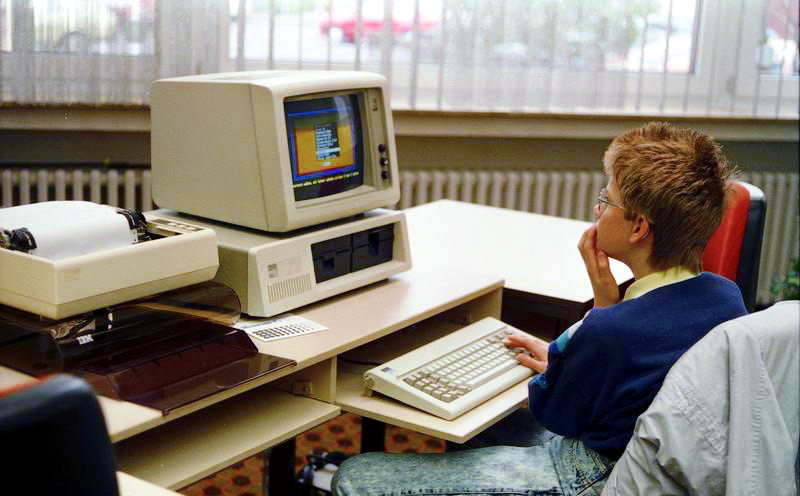

All enterprises eventually find themselves stuck with old computers in some corner. The leasing period has come to an end, a couple of people have upgraded their office machines, and the cupboard, the storeroom, or even the server room has started piling up unwanted computers. Most enterprises only allow them to take up space for months and even years, as no one has a clue what to do with them. The reluctance to act is reasonable. Dealing with IT devices is not as simple as throwing away a computer. There is important data in the drives, there are many laws regulating e-waste, and there are valuable electronics that can still be used.
Why You Can’t Just Throw Them Away
If you skip the process and go straight to throwing old computers in the garbage, it immediately creates two problems:
First, there is the risk of exposing sensitive data. This is because deleting files or formatting a hard drive doesn’t delete any data; it simply removes the reference to it, and, in fact, that data can be retrieved with inexpensive recovery software. A computer containing any type of company information, from customer data to financial records to personnel files, becomes a potential security risk as it leaves your premises.
Second, there are environmental and legal risks. Computers contain lead, mercury, cadmium, and other hazardous materials, which are classified as hazardous waste in most jurisdictions. More and more jurisdictions have immense numbers of e-waste regulations, and disposing of such items in the regular garbage can result in considerable fines, which becomes not only a legal issue but a compliance issue as well.
Step One: Data Destruction
This must occur before any of the above-mentioned concerns, and must be done precisely. There are a number of processes that can be used depending on your situation and the level of sensitivity in the data.
Software wiping is the process of overwriting the disk several times with random data, generally adhering to established standards such as NIST 800-88 or the outdated DoD 5220.22-M method. This is effective for hard disks that are to be reused or resold, as the hardware is not damaged thereby.
Degaussing makes use of a powerful field, which renders the information on regular hard disk drives useless. Though this is a fast and complete method, it can also destroy the device.
Destruction of the device is another sure way of ensuring that the information is irretrievable. This is the most secure method available and is used in case of sensitive data.
Step Two: Deciding What Happens to the Hardware
Once the data has been processed, there are some possible routes for the hardware to take. The type of route the hardware takes will depend on its condition and age.
Resale or donation. Computers that still work can often be sold or donated to schools, charities, or refurbishing programs. The best outcome in this case usually means maintaining the functioning hardware for a longer time and being able to offset some expenses incurred when purchasing new technology.
Refurbishing. Machines that are still usable but need servicing, such as a new battery, RAM, or operating system, can be refurbished and resold.
Component harvesting. Old computers that do not hold enough value as a whole do still contain usable components, such as motherboards, drives, or power supplies, which can be harvested for reuse or resale.
IT Recycling. When hardware is so far gone that it has no possible reuse, it goes to recycling, being processed into raw materials, like metals, plastic, and glass.
Step Three: Certified E-Waste Recycling
For anything that reaches end-of-life, working with a certified recycler matters more than people usually realize. Look for R2 (Responsible Recycling) or e-Stewards certification; these standards specifically govern how electronics are processed, ensure hazardous materials are handled correctly, and prohibit exporting e-waste to countries with weak environmental protections, which is unfortunately still common with uncertified recyclers.
A certified recycler will also typically provide documentation of what happened to your equipment, which matters if your company needs to demonstrate compliance with e-waste regulations or answer questions during an audit.
The Bottom Line
Old business computers don’t have to end up as a liability sitting in storage. With proper data destruction, a sensible plan for the hardware itself, and a certified recycling partner for anything at true end-of-life, the whole process protects your data, keeps you compliant, and often recovers more value than most companies expect.